Please check the privacy settings under Windows for your Camera , you need to give permission to the software to allow use the scanner camera sensors .
Yes, i saw in the forum another user have similar issue. So first of all i checked Windows Camera privacy settings, but it has already permission. I checked also usb drivers.
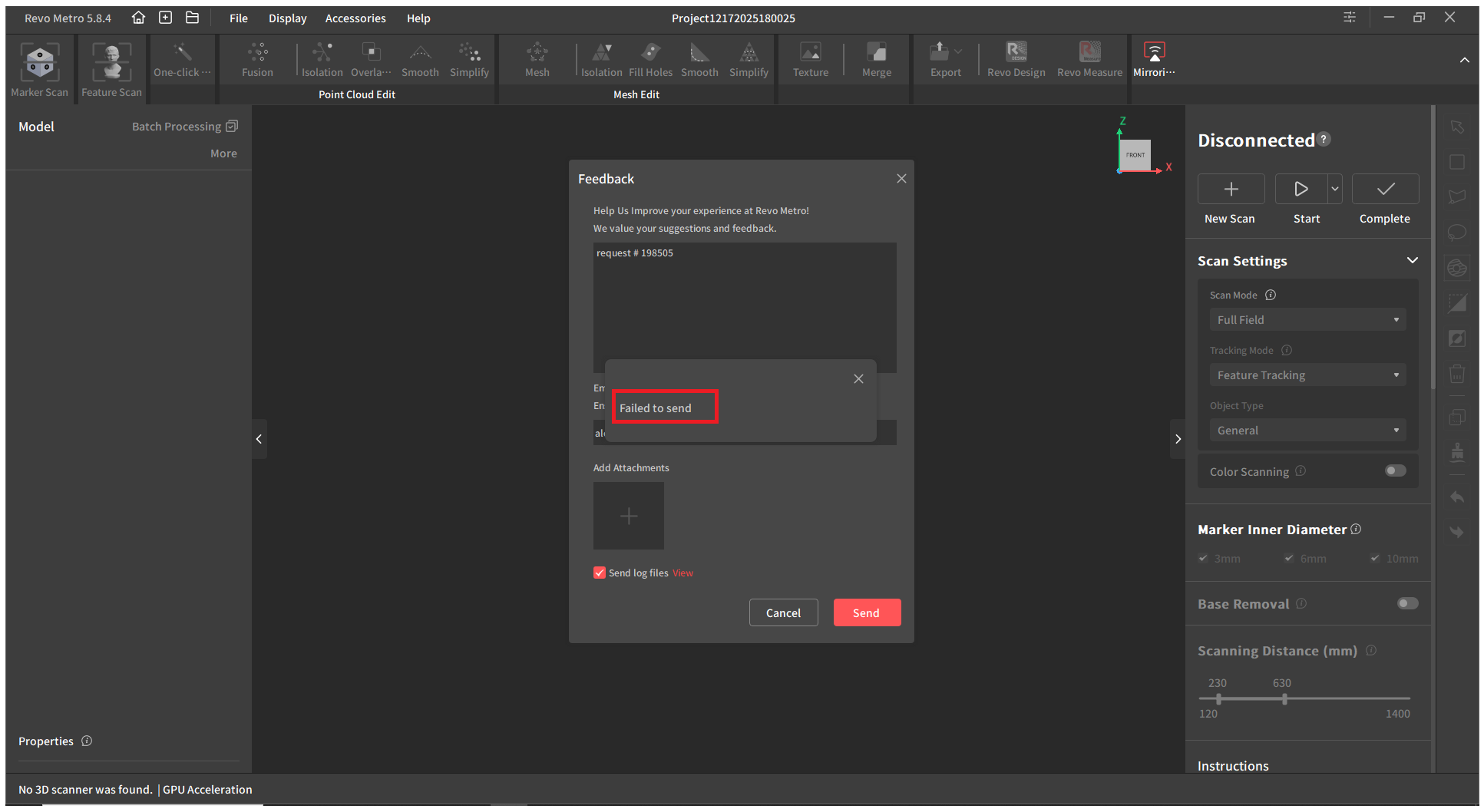
I attached by email the logs to the customer service, because the app Revo Metro didn´t work to send the logs automatically. I only can access to a new project settings with the scanner disconnected to try to send the logs, but also i get this error:
Trust me , all your issues are related to the USB and your system , I go through it a time ago . Please connect to your computer via WiFi it suppose to pass the USB issues and at least you can test if the device is working .
The speed is the same via USB and WiFi
What I do when it happens, I uninstall my USB drivers ( remove them ) and I install again to reset it. Not happening often but when I connect many different scanners on the same day it can happen that the system refuse to connect it properly.
Yes, I uninstall all chipset drivers from the motherboard, restart the PC an install lastest chipset drivers for my motherboard (B450 Msi Mortar Max) from MSI official website. And im still having the same issue connecting the scanner to my PC to USB.
I don´t have the possibility to connect to my desktop PC via wifi (It does not have a Wi-Fi network card), so i use an iphone 14 and now i can connect to the scanner with the app.
I start to scan a simple object, a pendrive, but with very bad results. Maybe i need to calibrate before the scanner but i cant connect to my desktop PC via USB.
Scanning and processing in your phone will not deliver very high quality unless you have the ability to export the project files via USB to your PC and process them there .
Normally calibration is not nesesery on new scanners , to test it you can use marker mode and markets and see if the mobile app can see the markers while scanning , I would also recommend you try to scan using markers when the object don’t have a lot of details , it will help stabilize it while scanning .
Regarding your PC , the system refuse to process of sharing the camera info for some reason . It can be simple thing like underpowered USB 3 port or a lose USB cable , if you have any other USB 3 cable try it out with your Inspire 2 , I also use now thunderbolt 8GB USB cable as it perform better than the original with my INSPIRE 2 .
Try it out if you have one .. don’t use any adapters and converters as they usually never works correctly , you need direct USB C cable and USB C port.
Firstly I completely reinstalled my windows 11 PC as it needed it anyway. This did not fix the issue, so I tried swapping USB ports and this did not work. Reinstalled drivers and did not work.
Finaly I worked out my other devices were drawing to much power over USB so unplugged them all and it worked. So now I have placed my other USB devices in different ports having a dedicated set for the scanner and this is now working.
Although I’m having to use a USB 3 type A to C convertor in the new port.
So it seems that it was most likely a USB power issue supply to the scanner causing it to fail, for me it was my Elgato stream deck XL pulling to much power.
This info might help for Desktop PC’s to check USB ports with nothing else plugged in any other.
I also upgraded to Windows 11 with a clean install, updated the motherboard drivers, and I’m still having the same problem; it doesn’t work.
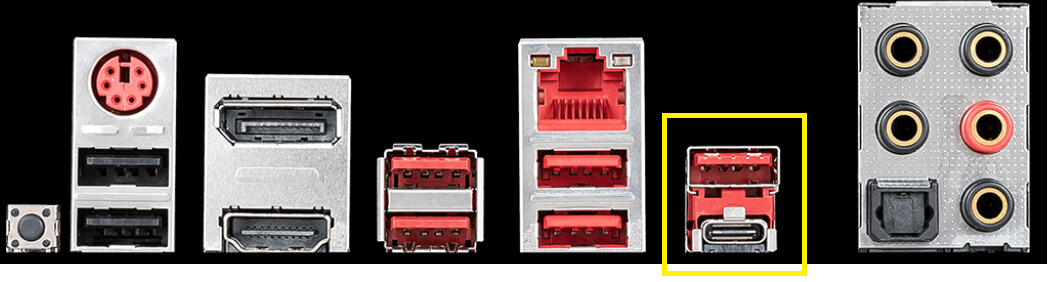
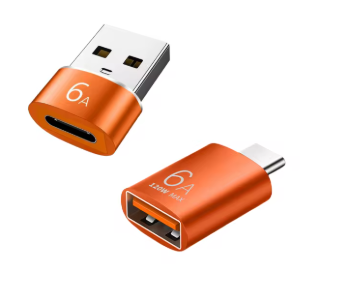
My motherboard only has one USB Type-C port. So I couldn’t test it in another USB port. Today I bought a USB Type-C to USB adapter, connected it to the other USB port, and it finally worked.
In my case i didnt overload the ports i have only conected the keyboard and the mause
You lucky that you got a good UBS adapter , I purchased couple of them and none worked for me, the R&D team told me not good idea since they are made not well.
You can share the link of yours here , it may helps others .
I think the secret here is that it support fast charging what is a plus when using Revopoint’s scanners , since they are sensitive to the power flow through the USB port.
I bought lots of adapters but sadly none of them worked and cost 10 times more.