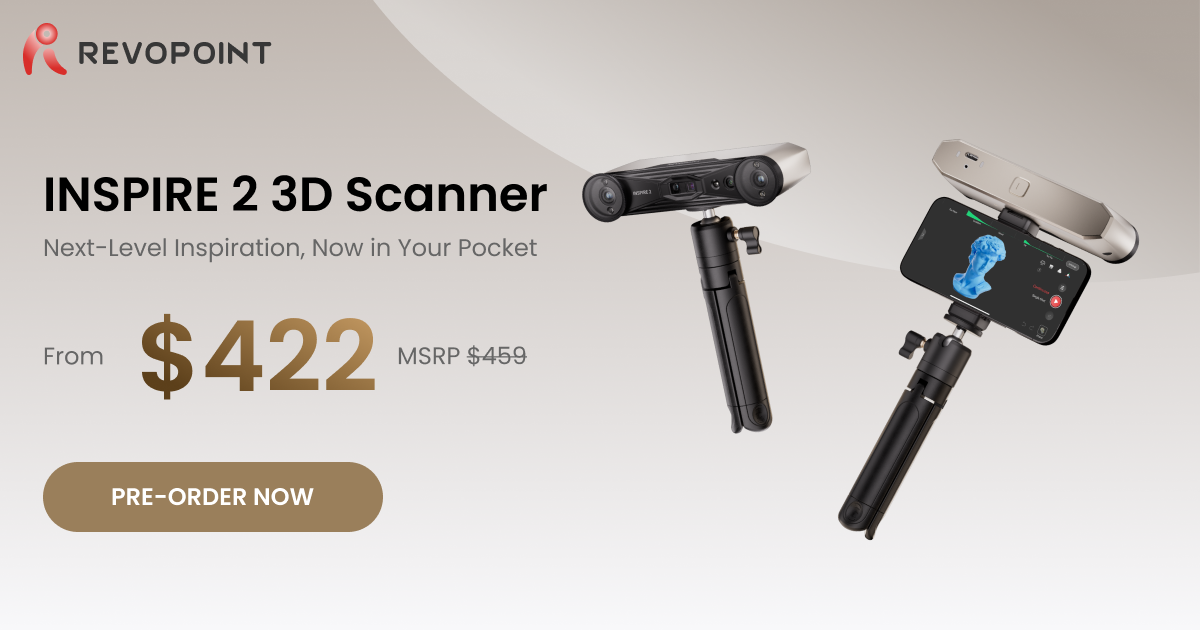
Hi all,
Okay so this is an Inspire 2 review after having it for a while.
In short: capable hardware, extremely disappointing software which renders it half useless for me…
Background: I’m an engineer, worked with 3D scanners in the 200-100k EUR range. Finally decided to get an entry level scanner but wanted a parallel laser one - here we are.
Hardware and requirements
Intel 8750H and GTX1060 has been handling serious tasks, cannot even run this scanner (but an iPhone 13 Pro can…). So upgraded to Ryzen 7735HS and RTX 4060, that solved it. Still, if you have incorrect depth of field in laser scanner mode you’ll get 6 fps but more on that later. Turntable could be swapped for a carrying case but nice to have. New tripod sent almost immediately after my order, nice to see Revopoint caring about customers. Btw first startup with the old laptop made it heat up to 45 C and a bit of smell of electronics.
Software
Damn this is bad. Quickly: no open function on startup screen, new projects don’t appear for some reason, startup in general is very slow. On phone you have the option to delete the last scanned frame, on PC with marker (laser) scanning you have nothing. If it looses track in any mode it will litter your model and does nothing automatically. Black surfaces, shiny ones - you can play around but it’s extremely sensitive. And marker tracking is weak, or you need like infinite of them - sorry guys but more than 3 is not okay (btw it looses it at much higher counts too). Ah and no base removal feature in laser scanning mode, and it leaves the markers in place (this should be an option to turn off).
Overall
I was super excited to see an entry level laser scanner but the results are currently disappointing. As of now (Jan 20206) I do not recommend buying it unless the software is radically improved. Customer service, packaging, hardware etc. are all fine.
Missing feature: cable connection to phone
To be improved: tracking and software features
I hope the team hears this and improves as in the price range this seems to be the best choice still
Regards
M
Hi! @Szenszej Thank you for sharing your feedback with us, and we really appreciate it!
About the issue you mentioned, here’s the advice from our support team. We hope it will help you with your experience!
Regarding the configuration issue you mentioned earlier, the first computer with the Intel 8750H and RTX 1060 configuration is indeed too low and does not meet the minimum requirements, which will lead to slow startup and low frame rates.
Regarding the software issues you mentioned, these functions are all available: creating a new project, opening/importing a project, editing keyframes (requires transferring the original project file to the computer, not just the model), automatic processing (one-click processing in the post-processing stage), eliminating planes, and automatic clearing of marker points.
For the tracking loss and marker point recognition issues you described, we recommend that you do a recalibration before trying again.
Here is our user manual; you can take a look. If you require professional assistance, please don’t hesitate to contact our support team at customer@revopoint3d.com. User Manual | Revopint 3D
Your issues are just a new users issues based on not knowing how to use it correctly , I know what it can do or not , and that is not a review of the scanner , it is a review if your skills with it .
I guess it’s rice little more with it as try again , everything you asking for is already there .
 Reverse Engineering