I really appreciate your reply to my post I have tried the Auto turntable mode and have screwed around with how many degrees to turn (from what I’ve tested 15 degrees, and 45 sp/r has worked best). It scans well but I’m having trouble with getting into the groove between the longer wedge and 1/2 ellipse,
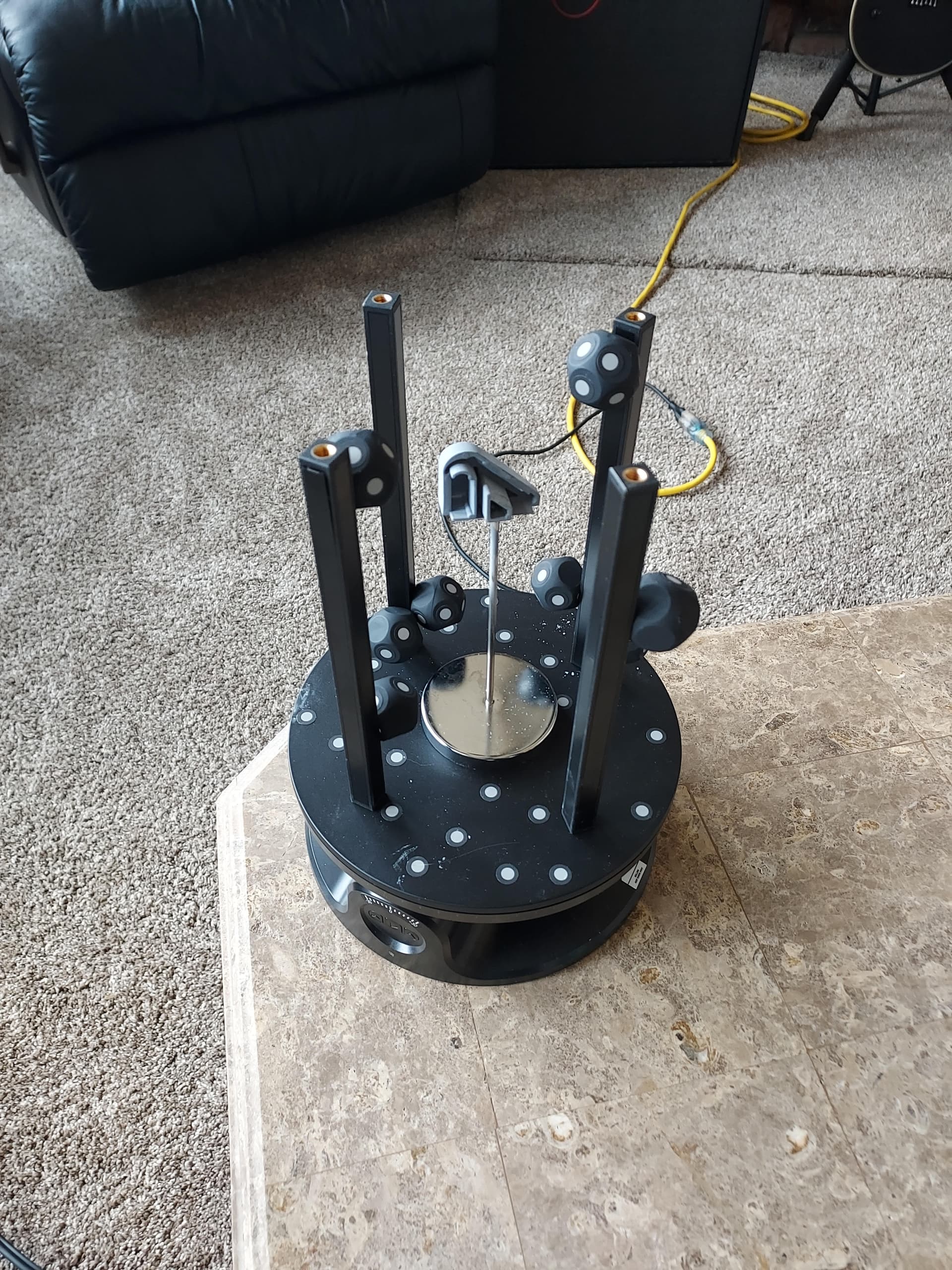
I have a feeling that lighting might be an issue, but I’ve tried positioning it so that there were minimal shadows but not a lot is working. we have it elevated and stable with the receipt piercer going through the least important part of the piece so we can just fill the hole in post processing.
Speaking of, I’ve heard that post processing is a big part of scanning as well as scanning the object (duh). When I have scanned before and tried with post processing it almost never makes straight walls when there are holes in the walls due to poor scan quality I was wondering if there was a trick to make the hole filler be more geometric rather than natural.
I’ve also tried marker scanning with the magnetic posts with the dodecahedrons on them and marker scanning is better at getting the things deeper into the object but lacks in the outside quality I would have wanted compared to auto turntable. Maybe I’m just scanning completely wrong I’m unsure.
Does anyone sell classes? If so, I’d be interested in taking a few just to learn how to do the whole reverse engineering process with a person that knows what they’re doing. I mainly use Autodesk Fusion for my 3d design software, so I am comfortable with geometric objects but not natural. I’ve tried with Blender, but I am not interested in learning a completely different software for a couple small things I might need to do, lol. Thank you! Looking forward to hearing back from you all.