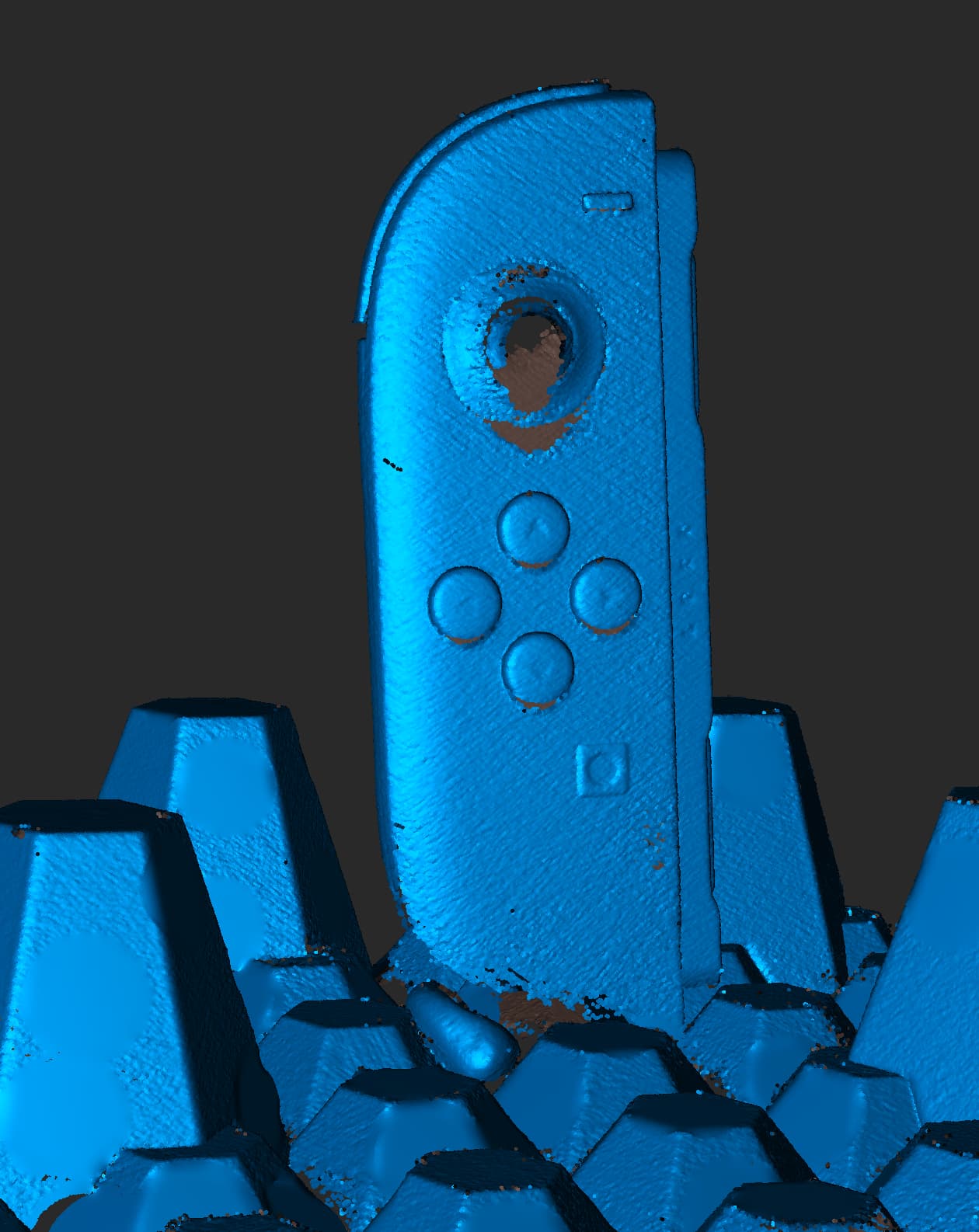
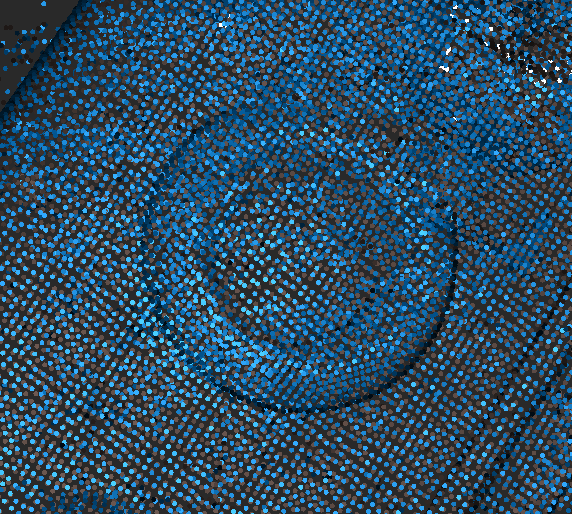
This is raw, why the entire joystick (thumbstick) is removed after fusion? It should never do that and this isolation should be done by user or post processing.
Werid enough that fusion never removes the actual noise but removes disconnected parts… I know that the thumbstick is sheding the connection part from the laser beams, but still, why a part this large got removed anyway…?
I hope you did not used Quick Edit option and go for manual fusing.
I would recommend you scan more frames with laser mode to get better surface.
The issues with the removed parts started when the software removed the markers, it recognize badly some parts on the object thinking it were markers if the objects has only partial scan data in that areas of round details .
Fusing should not remove anything automatic the user don’t want .. should be choice for the after fusing edit.
So totally agree
But to avoid issues for now , collect more data around the elements .
I am using manual fusing, and I tried various fusing distance. A large distance works (e.g., 0.5mm). But the quality is bad then.
There is no way to scan that area to make it connected, it’s a mushroom shaped object, and it’s small so you can not really reach into there.
It should not remove it normally , so definitely the marker removal settings are somehow automatic , since the holes are closed as well after fusing .. need to recheck and report to the team
No. It has enough data on the thumb area, but it doesn’t have enough data on the connecting stick itself. The JoyCon 2 has a very hard to scan, well hidden connection area/connection stick. There’s no way for the scanner to reach into that.
There is absolutely enough data for the stick itself, but it still gets removed. And I think the reason is that the laser cannot reach the connecting stick behind it. However, it still cannot explain why this part specifically gets removed, while many other disconnected areas didn’t.
Also, if I change the fusion distance (from 0.2mm to 0.4mm), then it magically gets connected again sometimes. 0.4mm is definitely not gonna change the connection situation of the RAW data.
It is recognized as a floating marker that why it is removed. Thanks to it’s round shape and not fully connected .
There was never issues before with scanning lose parts , but since the automatic removing marker function under fusion that everyone wanted so badly . And there is not surprise why . Neither is a bug .. just simple algorithms that should be not performing automatic unless selected.