Before we say goodbye to 2025, let’s wrap up an incredible year together!
If you own a Revopoint scanner, we’d love to hear your 2025 story. Share your best scan, favorite 3D creation, or your proudest project you’ve brought to life with Revopoint.
We will select one winner to receive a festive surprise, brightening your season!
How to join? Share your Revopoint story or experience in the comments below
OR
Post your Revopoint story or experience here and add #RevoStory2025 in the title
Simple as that! Share your story, and we’ll have a special surprise just for the winner!
Revopoint Story Highlights 2025 runs until December 31st. Don’t miss your chance to win this special gift!
I’d been wanting a 3D scanner for several years, but the models on the market weren’t at all accurate, or were priced far beyond my hobbyist budget.
The perfect opportunity came in the final days of 2024, when I purchased the POP 3 Plus Advanced Edition directly from the Revopoint store. That’s when my #RevoStory2025 began.
The scanner’s performance, supported by the easy-to-use Revoscan 5 software, met my expectations, and the learning curve was truly rapid.
Since then, I’ve used the scanner for a wide variety of purposes, often preparatory to 3D printing: repairing objects, reverse engineering, scanning ornamental models, and even scanning my family members to make busts!
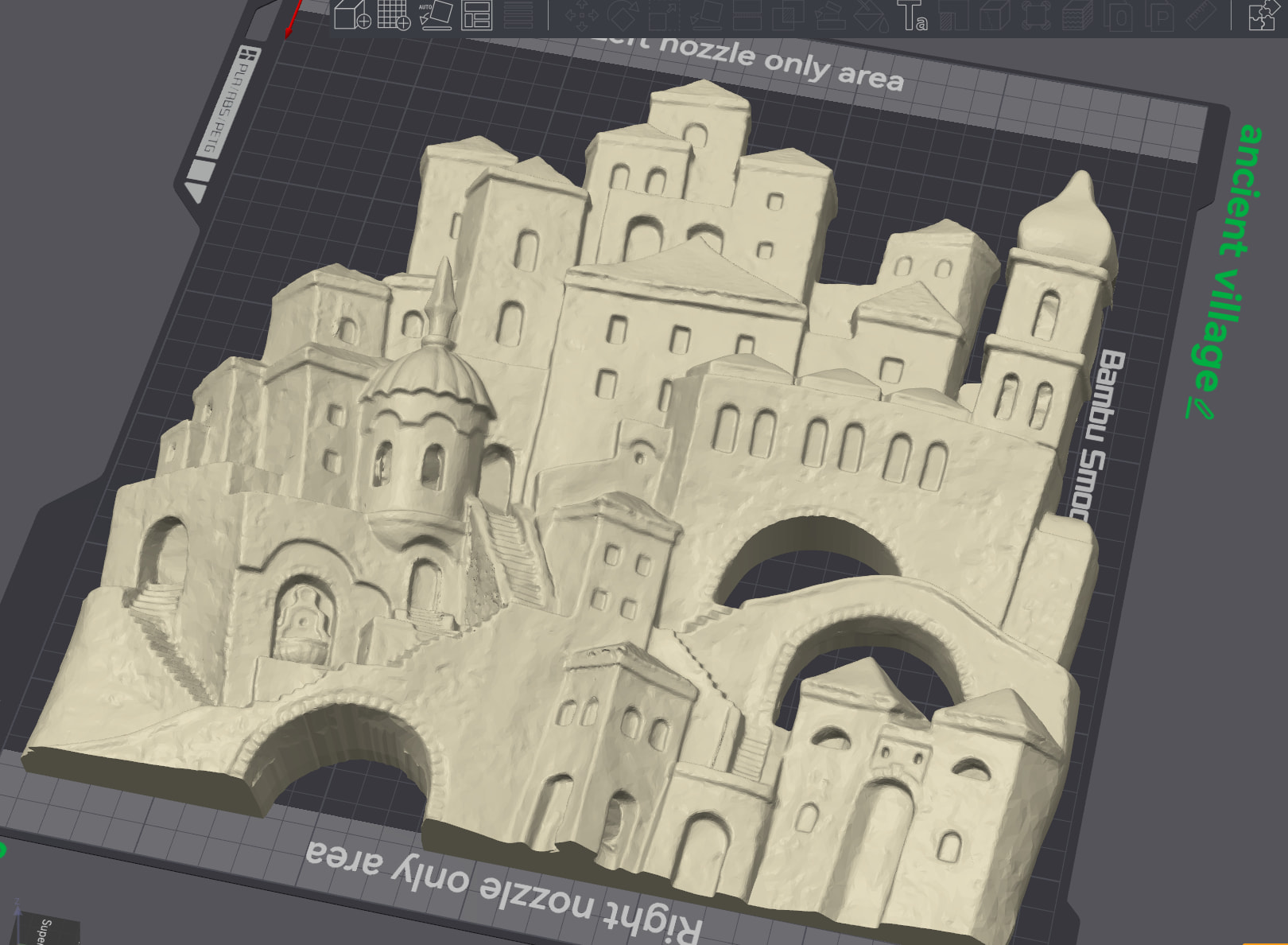
My most ambitious and satisfying project was the color scanning and subsequent 3D printing of an artist’s terracotta bas-relief: despite the many details and numerous areas with deep cracks, the scan turned out excellent and the reproduction was equally faithful to the original!
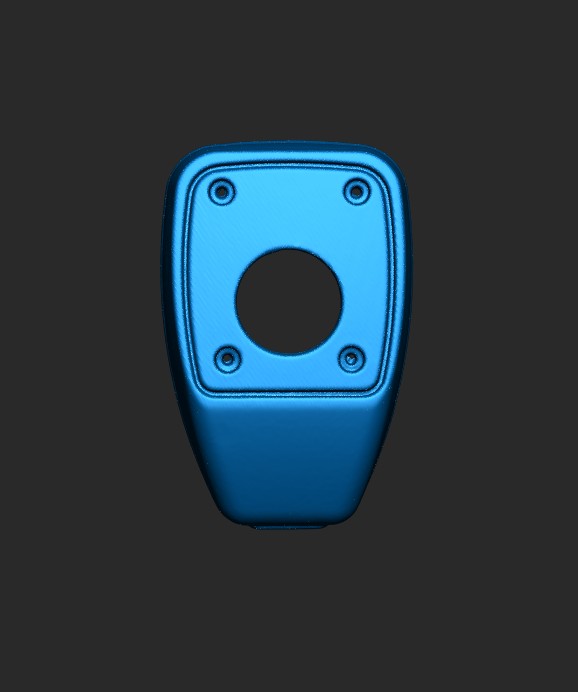
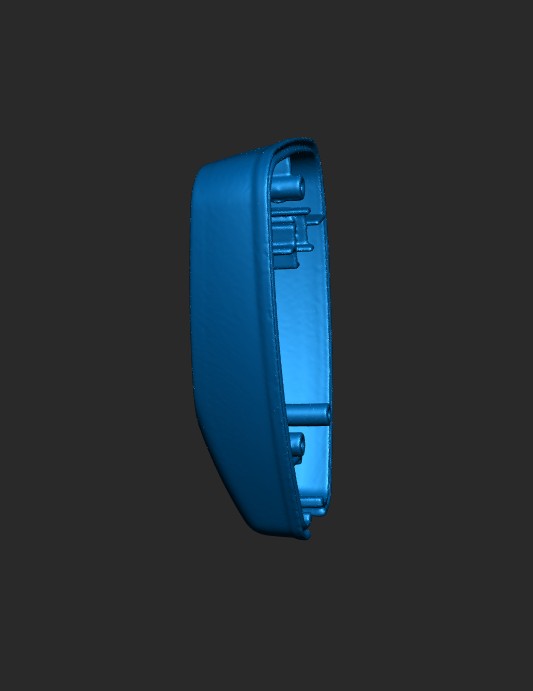
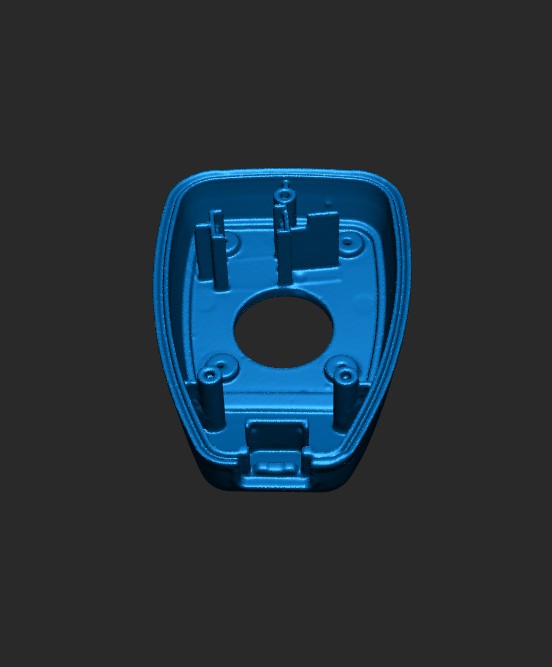
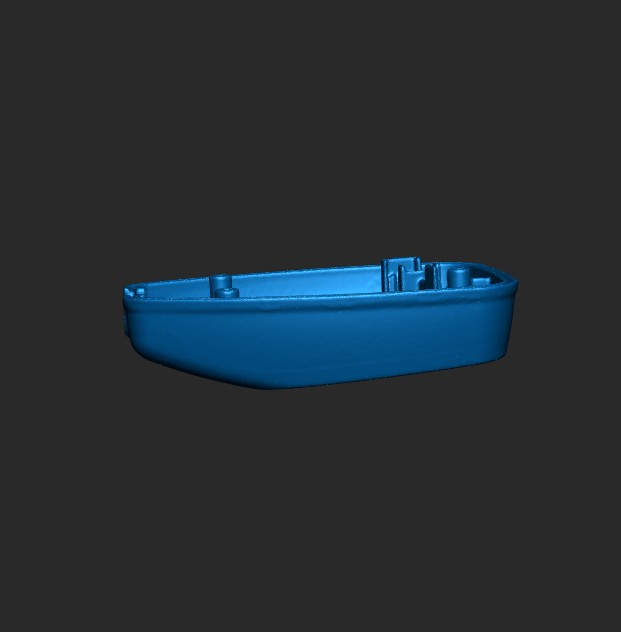
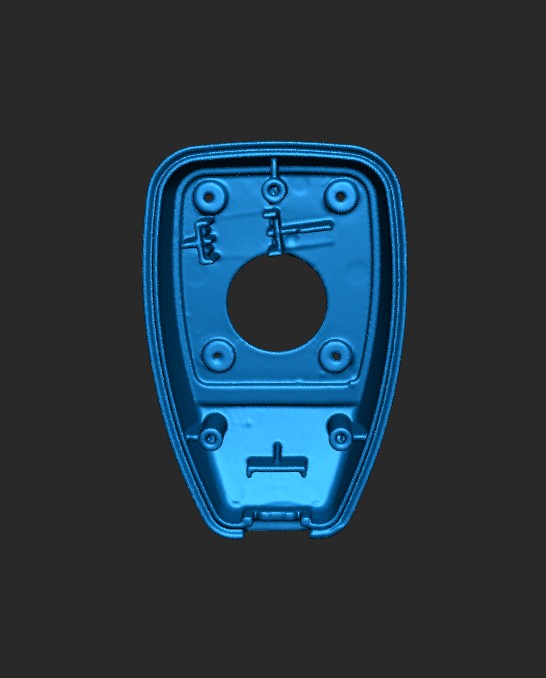
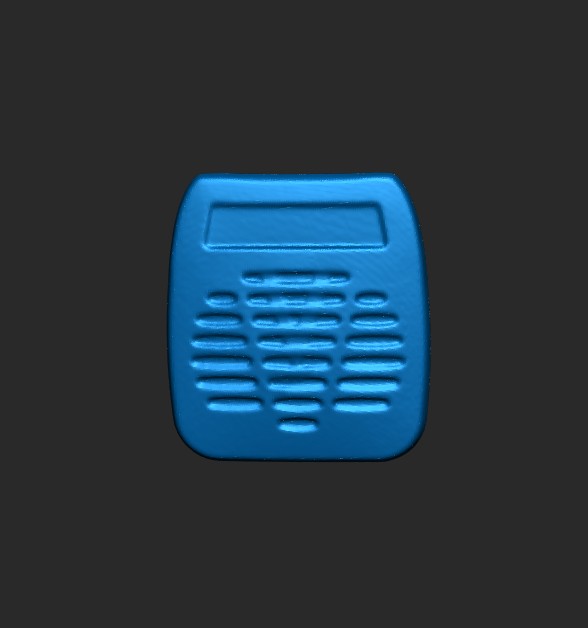
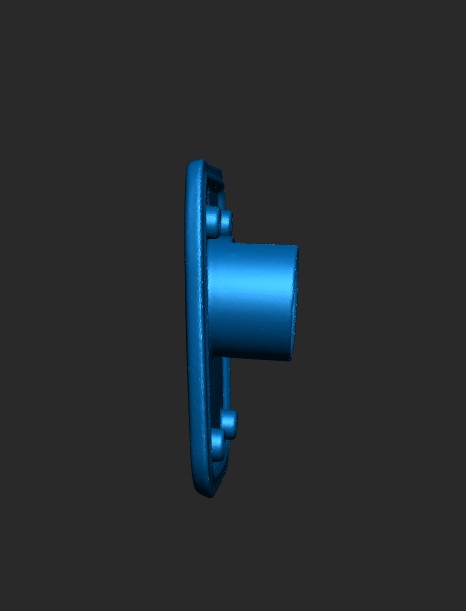
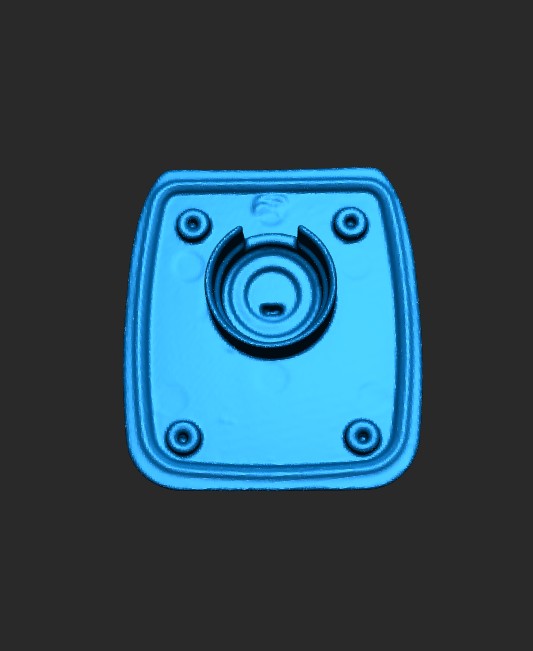
To make some modifications to the microphone of a transceiver, I scanned some of its parts using the Revopoint POP 3 Plus scanner.
The parts were made of black plastic, so to improve the scan capture I applied Revopoint AB 6 scanning spray. I then placed the object on the Dual-axis Turntable, started the scan, and finally imported the mesh into CAD software to complete the work.
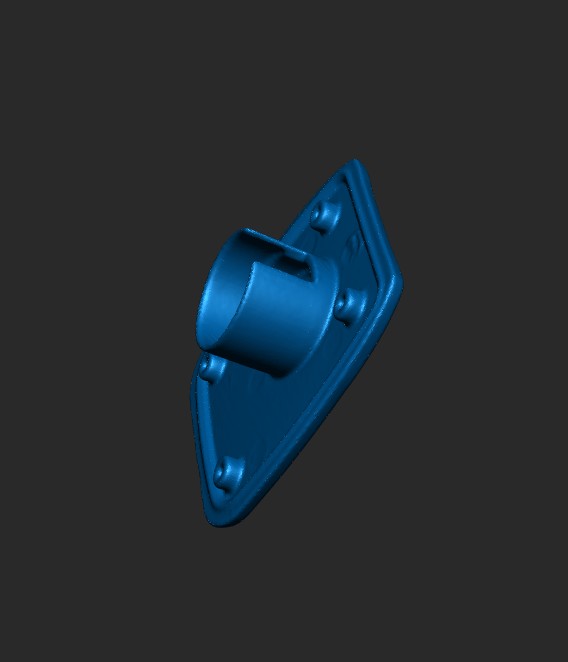
This is my first project with MetroY. It’s a headlight washer cover. It’s about 15 cm long, so it’s quite small.
I tried different scanning modes. In single-line mode, data acquisition took a very long time. I settled on parallel-line mode. I didn’t notice much of a difference with cross-line mode. In the latter case, data acquisition was too fast.
I merged three point clouds. Artifacts appear on the edges of this part due to prolonged scanning. These artifacts are not removed after filtering and fusion.
 Share your Revopoint story or experience in the comments below
 Post your Revopoint story or experience here and add #RevoStory2025 in the title