For maximum scanning precision: The new, ultra-precise photolithographic calibration plate ensures optimal scanning results and long-term reliability."
My questions:
1. WHEN or WHY should I use this plate?
and
2. HOW?
There is no mention of this anywhere in the descriptions and manuals…
You got the plate with your scanner , use it if really needed , don’t do it if not needed .
How you will know when to calibrate your scanner ? The surface of the scans will be more grainy as it should , you have problem with markers being visible while scanning
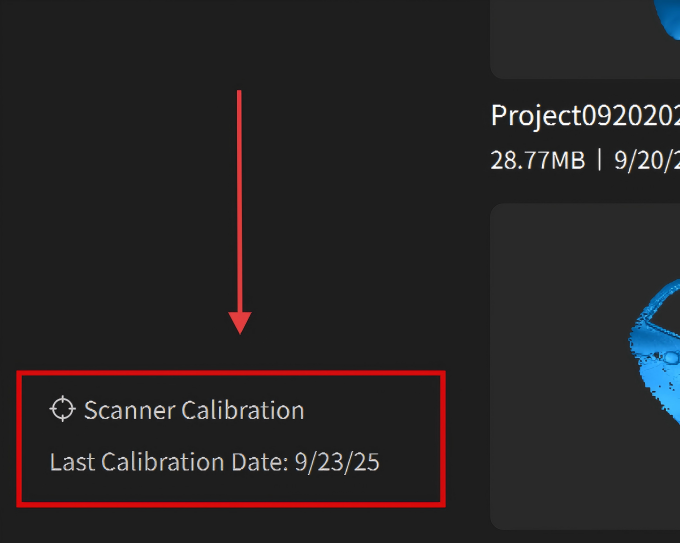
Just click on the calibration link on the left low corner of the software Home tab, it will show you step by step how to use it proper
Calibrarion
Before calibrating the scanner or scanning in laser line mode, it is necessary to warm up the device for 10 minutes to ensure optimal accuracy. Check the scanner’s accuracy before each scan using the Scanner Calibration program on Revo Metro’s Home page to ensure accuracy.