bobpin
1
Hi,
“Miraco”
Current Revoscan 5
Trying to Align/Merge scans and I get error " Overlapping area is less than 10%".
How do I get the scans to the 30% required.
I have watched Youtube content and they make it look easy but I cannot make it work.
Regards
Bob
Maybe you can show us some screenshots 
PUTV
3
Hi @bobpin
Use marker points and manually select points on the same features on both scans
Overlap is needed so the same features appear on both scans for identification , do both scans share the same features ?
Check with the points , if you can’t find at least 3 the same features on both scans , you can’t merge them .
You will need to scan different angles to make sure both scans share the same features, there is no other way around .
Xile6
4
Looks like you scanned the inside and then the outside
You need a 3rd scan with a mix of both
You have nothing to connect the two scans you have together
bobpin
6
Thanks @PUTV , Tried Manual did not work for me.
Bob
bobpin
7
Thanks@Xile6,
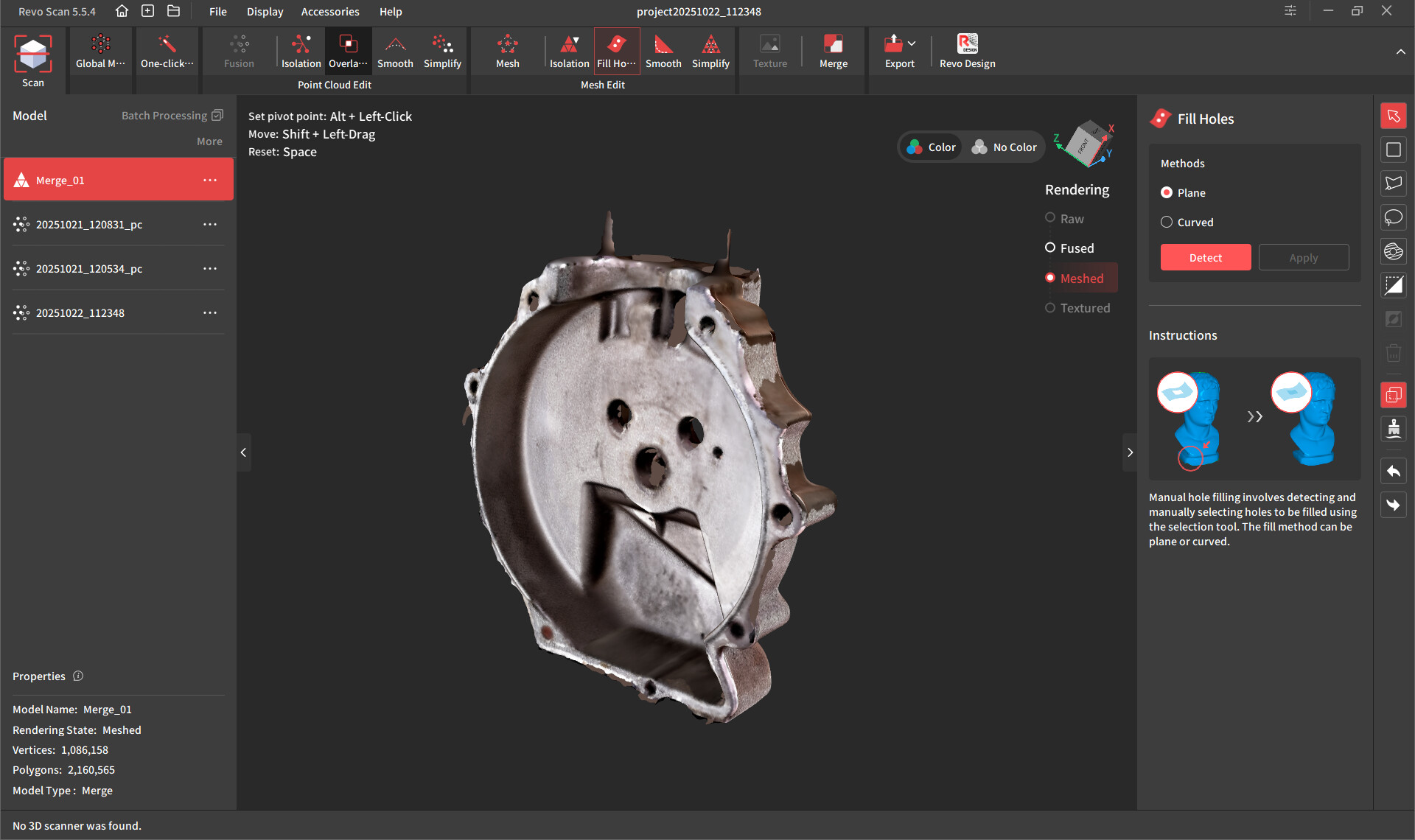
I scanned as you suggested and have attached screenshots.
I have a Lot to learn.
Bob
4 Likes