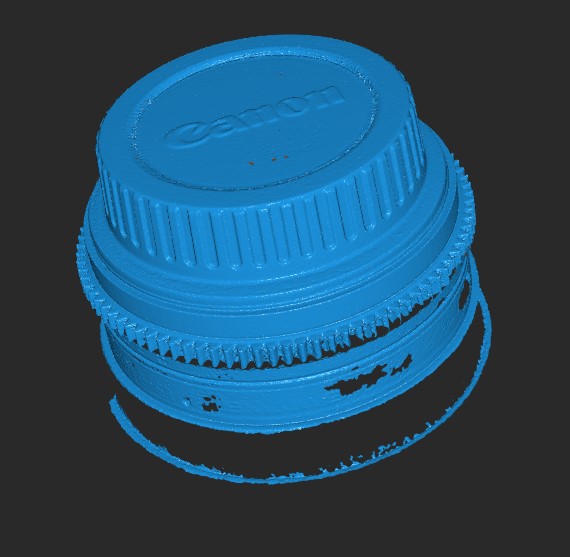
[Windows & Mac] Revo Scan V5.1.0 - Big improvement, you must try it!

Hi everyone. Revo Scan V5.1.0 is now available on the official website.

Download it at: Best 3D Scanning Software - Revo Scan 5

Edit by PUTV : Temporary Download Links for Revo Scan 5.1.0 for those that have issues with the main Download page.

Windows : RevoScan5-5.1.0.exe - Google Drive
Mac: RevoScan5-5.1.0.pkg - Google Drive

Updates:

  1. Adjusts the software UI to display important functions on the top to improve software visualization.
  2. Adds a body scanning mode scanning with a frame rate of up to 18fps for POP 3.
  3. Adds support to adjust the exposure via POP 3’s touch-sensitive buttons. This will be automatically enabled.
  4. Adds a mesh simplification function.
  5. Adds support for the Dual-axis Turntable to display its current position and angle.
  6. Adds compatibility for MINI scanners without RGB cameras.
  7. Moves the scanner’s settings icon to the bottom of the New Project tile.
  8. The current auto exposure value is now displayed.
  9. The current exposure mode is now displayed on the RGB/Depth camera windows.
  10. Adds shortcut key prompt for exposure adjustment while previewing 3D scans.
  11. Adjusting Manual Editing parameters will now change Auto Editing parameters to match.
  12. Updates the User Manual.
4 Likes

just installed before the post created lol
5.1 look like more function than 5.0.x, and the performance is much better, even im using mbp2018

just wondering
if i using Mini and range
i use auto edit (fusion: 0.19/ mesh 7) in Mini model
will i getting the same result of manual (fusion: 0.19/ mesh7)?

2 Likes

Only if you use Advanced mode in manual fusing , the Auto use Advance mode as well

But please use 0.08 to 0.1 mm for MINI for best results

2 Likes

Does the new (latest) version have the ability to calibrate the Range scanner?

No you cant calibrate Range as for that you need a huge board that is not available … POP 3 gyroscope calibration in RS5.1.0 is totally different kind of Calibration type and is available only for POP 3 since it have a new hardware .

Sometimes the delete Icon get stock for some reason , same on Windows , just move to merge tab and back to edit , it should return to normal , if not you have to save the project and reopen it again in worse case

1 Like

8 posts were split to a new topic: POP’s back light changes to RED when connecting to RS.5.1.0

Just installed the update. Seems quite good.
My suggestions (besides fixing the bug with the delete icon):

  • merge screen: option to switch colors on/off.

  • turntable control window should be designed better, it doesn’t integrate well with the main window.

  • in general: more undo buttons, e.g. after sharpening or smoothing.

1 Like

Hi there,

download not working, the link re-directs to homepage.

Regards
Tobias

Same for me.
If i try to “save from the link” in download page it gets a corrupt 1kb file that does nothing.
looking forward to being able to download.
Thanks
Alan

It working for me guys even on a phone …

I will give you a temporary download links in a moment …

I decided to try with a different browser and got the same homepage issue.
I have now tried on Chrome, OperaGx and Edge all do the same thing and just redirect to the home page.
A download link would be great. Thanks

1 Like

https://www.revopoint3d.com/wp-content/uploads/download/RevoScan5-5.1.0.exe

2 Likes

Temporary Download Links for Revo Scan 5.1.0 for those that have issues with the main Download page.

Windows : RevoScan5-5.1.0.exe - Google Drive
Mac: RevoScan5-5.1.0.pkg - Google Drive

1 Like

very impressed! this should have been called 6.0 - the quality is much improved with my mini

2 Likes

3 posts were split to a new topic: Project Transfer Issues

Excellent. This is a heck of an update.
Well done Revopoint.

1 Like

Hello @Rilot

Thank you for your recognition of Revopoint.

We will actively listen to user feedback and improve our software to enhance user experience.

If you encounter any problems in the process of using the software, please feel free to ask us for suggestions.

1 Like


Its AWESOME!!!
Black surface, tracking without lost frame!

2 Likes